
ChromaType Academy Logo ChromaType Academy Contact Us
Contact Us
Web Design Fundamentals

Choosing Typefaces That Work Together

Pairing fonts isn’t random. Discover the actual rules for combining serif and sans-serif fonts that’ll make your layouts look intentional and polished.

9 min read Beginner May 2026
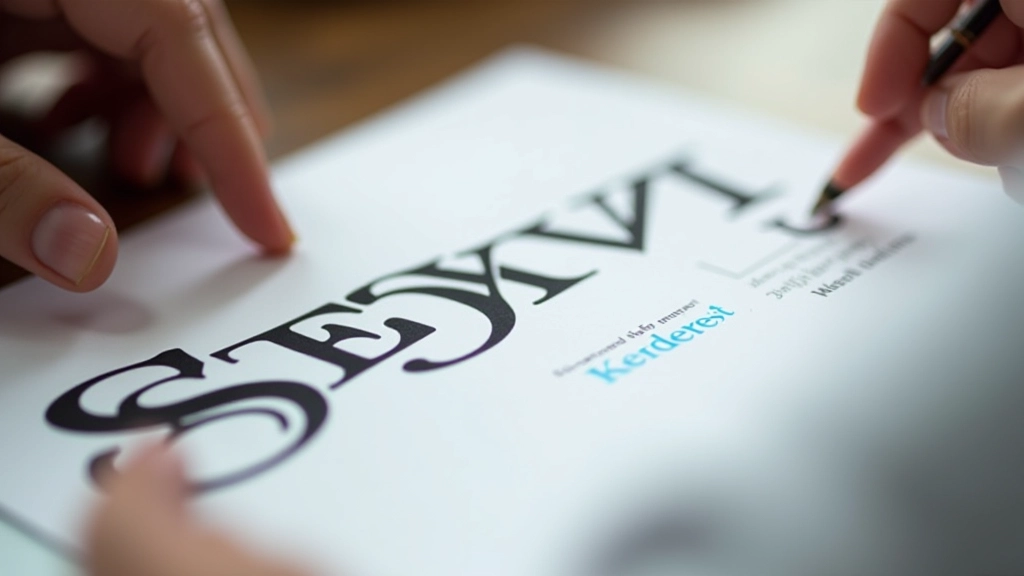
Close-up of different font typefaces displayed on paper with typography ruler
Marcus Lau

Author

Marcus Lau

Senior Design Educator & Curriculum Lead

14 years of experience in web design, typography, and color theory for Hong Kong’s creative community.

Here’s the thing about typography—most people think font pairing is just picking two fonts that look nice together. But that’s not really how it works. The best font combinations follow actual principles. They’re built on contrast, hierarchy, and readability.

We’re going to walk you through the rules that designers actually use. You’ll learn when to mix serif with sans-serif, how to create contrast without clashing, and what makes certain pairings feel intentional rather than random. By the end, you’ll have a framework you can apply to every project.

Understanding Font Categories

Before you can pair fonts effectively, you need to understand what you’re working with. There are really four main categories of typefaces that designers use regularly.

Serif fonts have those little lines at the ends of letters. They’re classic—think Times New Roman or Georgia. Sans-serif fonts don’t have those lines. They’re clean and modern. Then you’ve got display fonts, which are big, bold, and meant to grab attention. And script fonts, which look handwritten. Most successful pairings stick to the first two categories because that’s where you get real contrast without things looking chaotic.

The key insight? Each category has a personality. Serifs feel formal and established. Sans-serifs feel contemporary and approachable. Display fonts feel dramatic. When you’re pairing, you’re really mixing personalities, not just mixing letters.

Typography classification chart showing serif, sans-serif, display, and script font examples arranged in organized categories
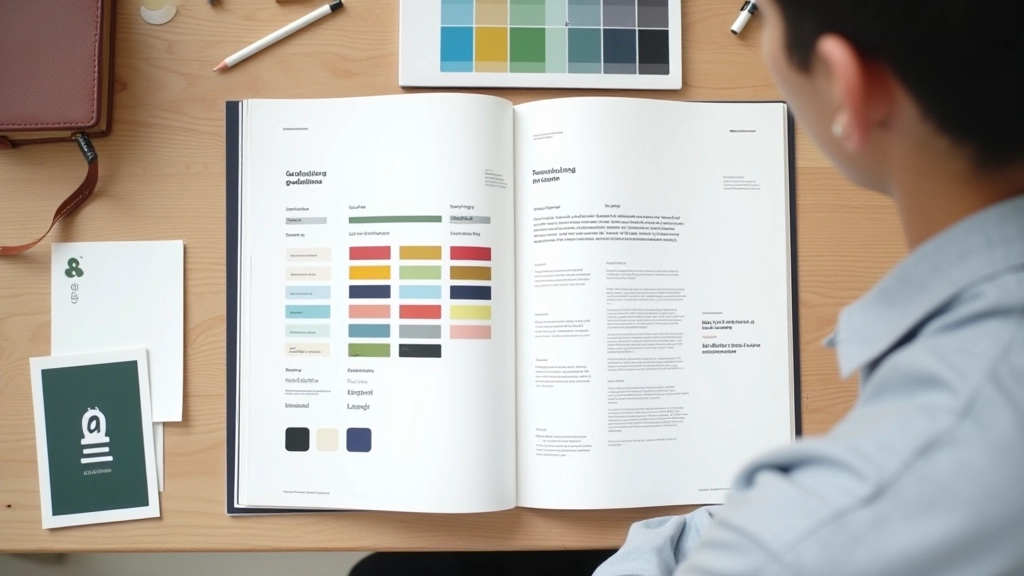
Designer's workstation with font specimen books, color swatches, and typography sketches spread across a light wood desk

The Contrast Rule

Here’s the golden rule of font pairing: you want contrast. Real contrast. If you pick two fonts that are too similar, they’ll just look like a mistake. If you pick two fonts that are completely different, they’ll look intentional.

The easiest way to get contrast? Pair a serif with a sans-serif. That’s literally the foundation of 80% of professional typography. Your heading might be a serif—something like Playfair Display. Your body text is a sans-serif—like Open Sans. Boom. You’ve got contrast because one has those finishing lines and one doesn’t.

But don’t just stop there. Think about weight too. If your serif is light and delicate, your sans-serif should probably be bold. If your serif is chunky and strong, your sans-serif can be thinner. You’re creating a visual hierarchy through multiple dimensions—not just serif versus sans-serif, but also thickness, size, and spacing.

Practical Pairing Strategies

The Classic Approach

Pair a traditional serif (like Merriweather or Lora) with a clean sans-serif (like Montserrat or Poppins). This works for almost everything—blogs, portfolios, corporate sites. You can’t really go wrong because the contrast is automatic.

The Modern Take

Use two sans-serifs with very different characters. Pair a geometric sans (like Montserrat) with a humanist sans (like Calibre). They’re both sans-serif, but they feel totally different because one is mathematical and one is friendly.

The Display Method

Use a display font for your headline and something neutral for everything else. But here’s the trick—keep your display font to headings only. Never use it for body text or you’ll lose readability fast.

Typographic design system showing three different font pair combinations displayed side by side with hierarchy examples
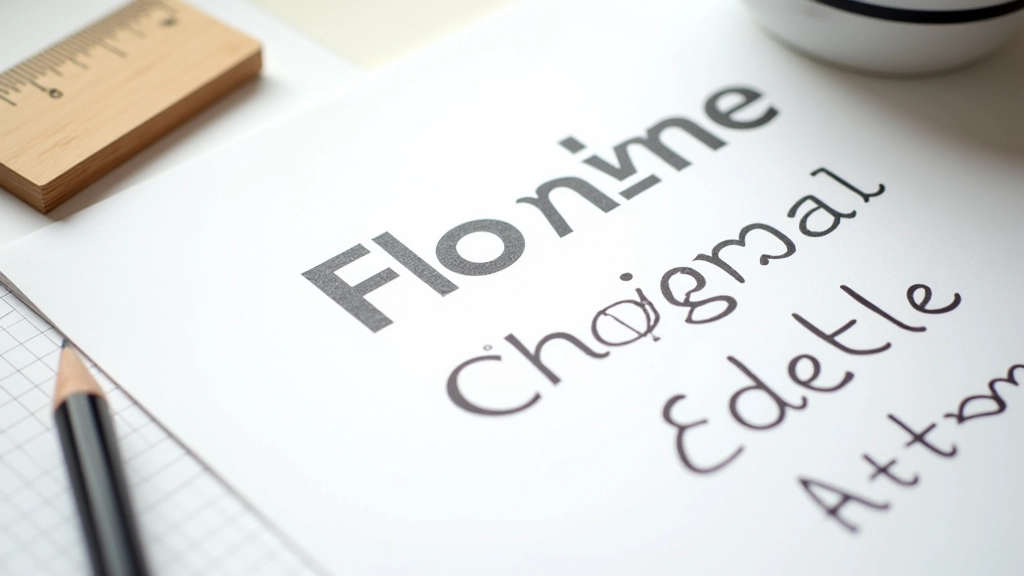
Close-up of font metrics and kerning details showing proper spacing and alignment of typography on a design mockup

Spacing and Sizing Matter

Here’s what most people miss: your fonts can be perfect, but if you don’t give them room to breathe, they’ll still look wrong. The space around and between letters is called kerning and tracking, and it’s just as important as which fonts you choose.

Your heading might be 36 pixels in size with tight tracking—that creates emphasis and drama. Your body text should be larger than you think (probably 16-18 pixels minimum) with generous line spacing (about 1.5 to 1.6 times the font size). This isn’t about being fancy. It’s about making sure people can actually read what you wrote without straining.

Font size, weight, color, and spacing all work together. Get spacing right and even average fonts look professional. Get spacing wrong and even beautiful fonts look amateur.

Educational Resource

This guide is informational and designed to help you understand font pairing principles. Individual design projects vary based on brand guidelines, audience preferences, and specific context. These are guidelines, not absolute rules—the best pairing for your project depends on what you’re trying to communicate.

The Takeaway

Font pairing isn’t magic. It’s actually pretty systematic once you understand the framework. You’re looking for contrast. You’re thinking about personality. You’re giving your type space to breathe. That’s really it.

Start with a serif and sans-serif pairing if you’re new to this. Once you get comfortable with that, you can experiment with two sans-serifs or add a display font for headlines. But the fundamentals don’t change. Strong pairing = intentional contrast + proper spacing + appropriate sizing.

Your next project? Don’t just pick fonts randomly. Spend five minutes thinking about what you want them to communicate. Formal or friendly? Modern or classic? Bold or subtle? Then find typefaces that match that personality. That’s when everything clicks.